
How do I record a new customer’s measurements?
A customer’s measurements are a tailor’s real capital: a customer whose measurements you hold comes back to you even if your price is a little higher.
Steps
- Open Tailoring → Customer measurements and search for the customer, or open their file — Figure 1.
- Press New measurement — Figure 2.
- Choose the measurement type (dishdasha, shirt, trousers…) and only that type’s fields appear.
- Write a label that distinguishes it, such as “summer dishdasha measurement”; one customer can have several.
- Fill the measurements field by field, in the order you normally work.
- Put the customer’s preferences in the notes — the most important field on the page.
- Save. The measurement is then ready to attach to a line on any future invoice.
Notes
- Do not register the same customer twice under differently written names; their measurements split across two files and lose their value.
- A clear label saves a lot of time at order taking; “measurement 1” and “measurement 2” mean nothing six months later.
- The customer’s notes are worth more than the numbers themselves; they are what prevents a remake.
- Check the measurement with the customer before saving; a minute now saves a length of cloth later.
Screenshots
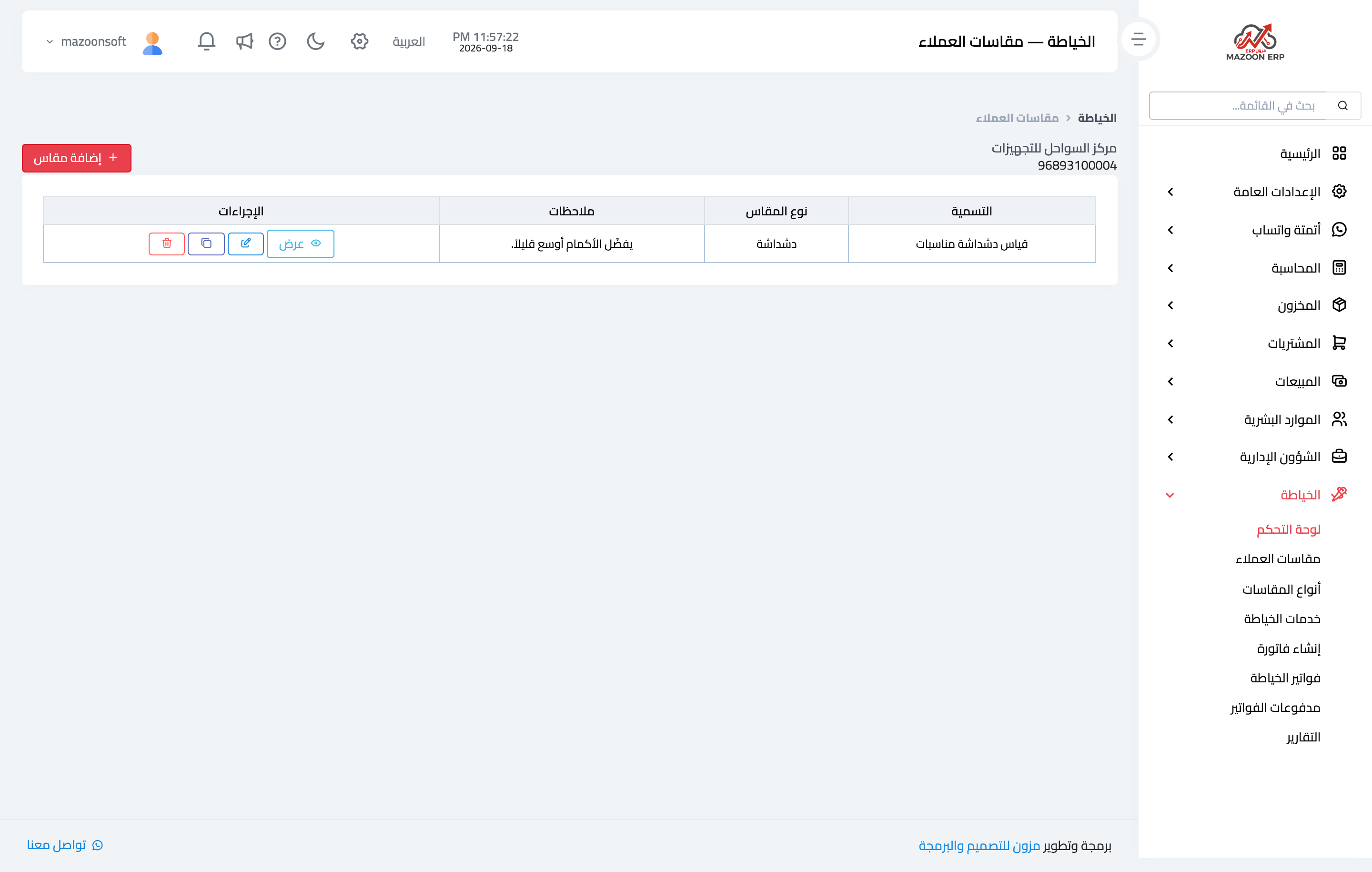
Figure 1
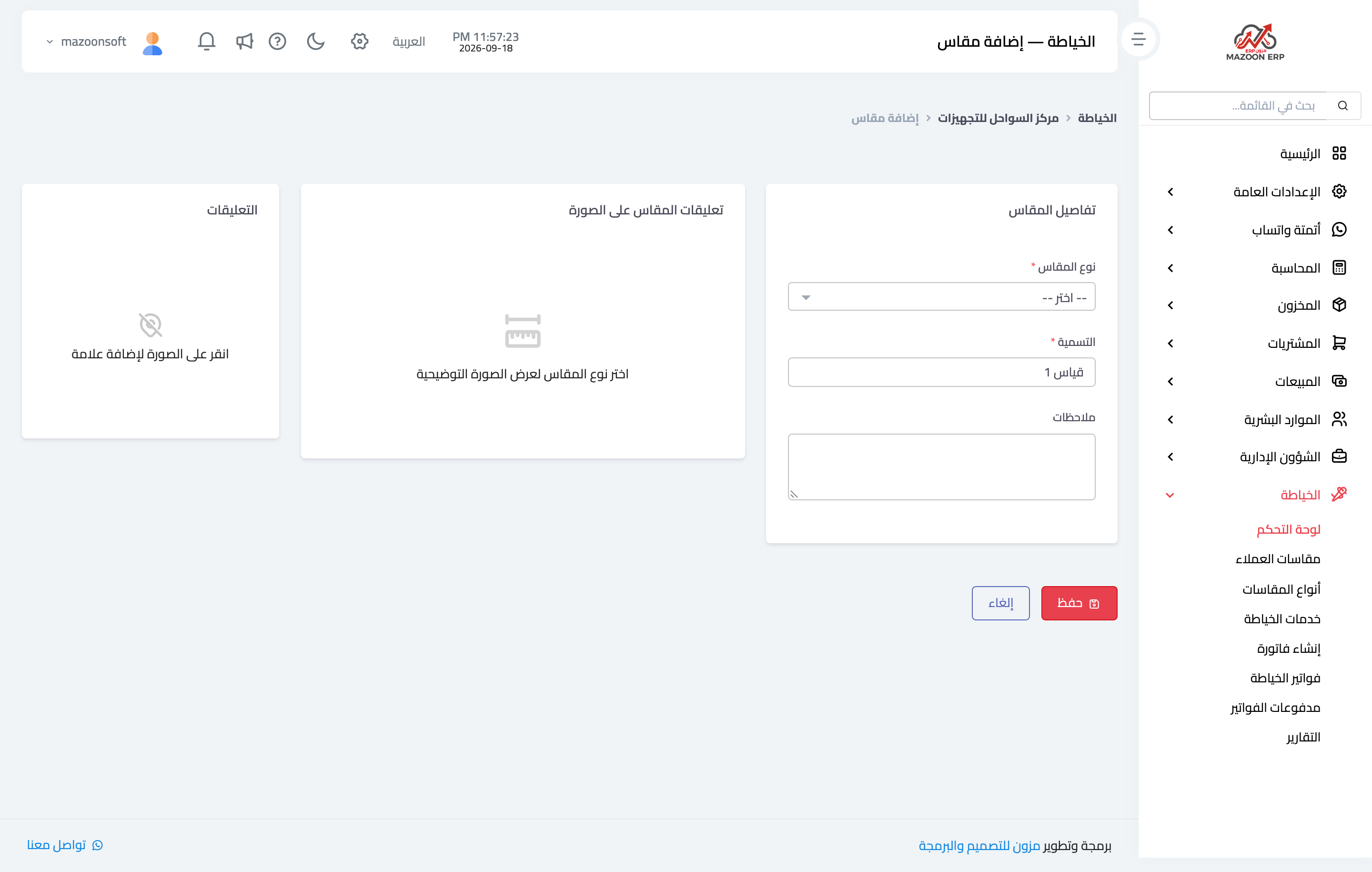
Figure 2
Try what you just read on your own data
Open a free 7-day trial — no credit card, with your own company link in minutes.