
How do I record trip expenses and tie them to categories?
A trip that collects twenty thousand and pays out nineteen is not a successful trip, and you will not know that unless you record your expenses.
Expense categories
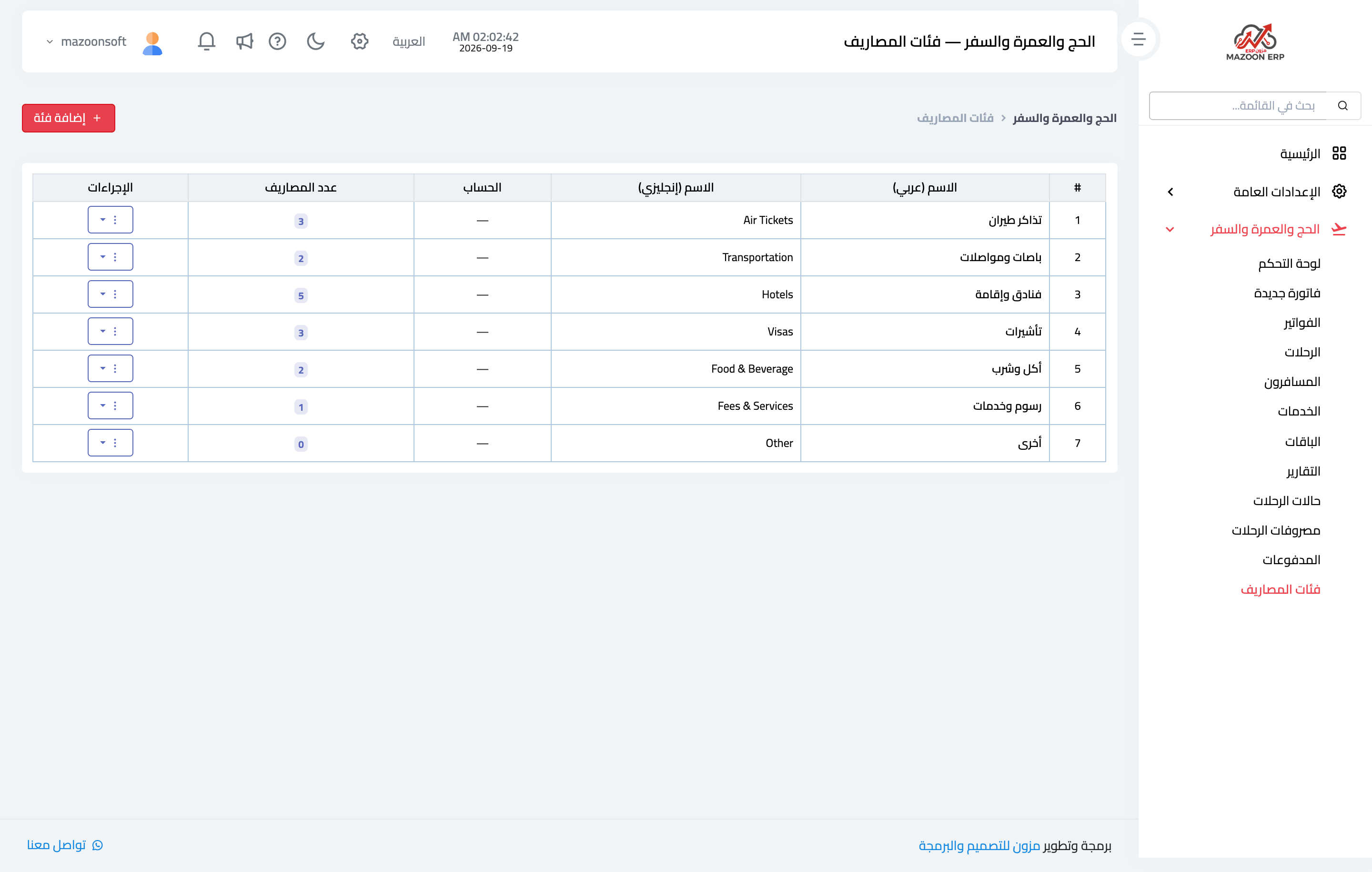
From Travel → Expense Categories — Figure 1 — you get ready-made categories: flight tickets, hotels and accommodation, coaches and transport, visas, food, fees and services, other. Add whatever you are missing.
Recording an expense
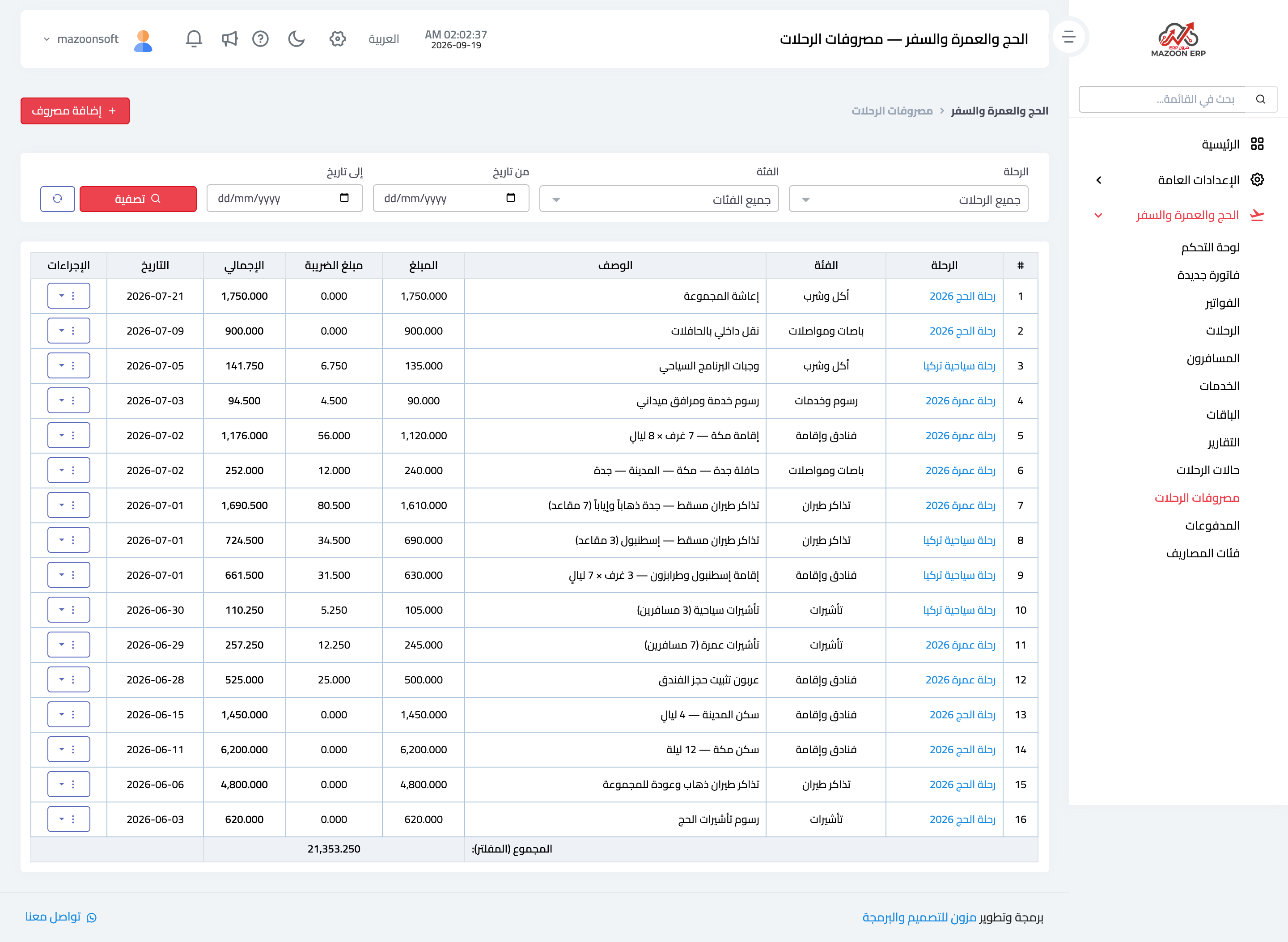
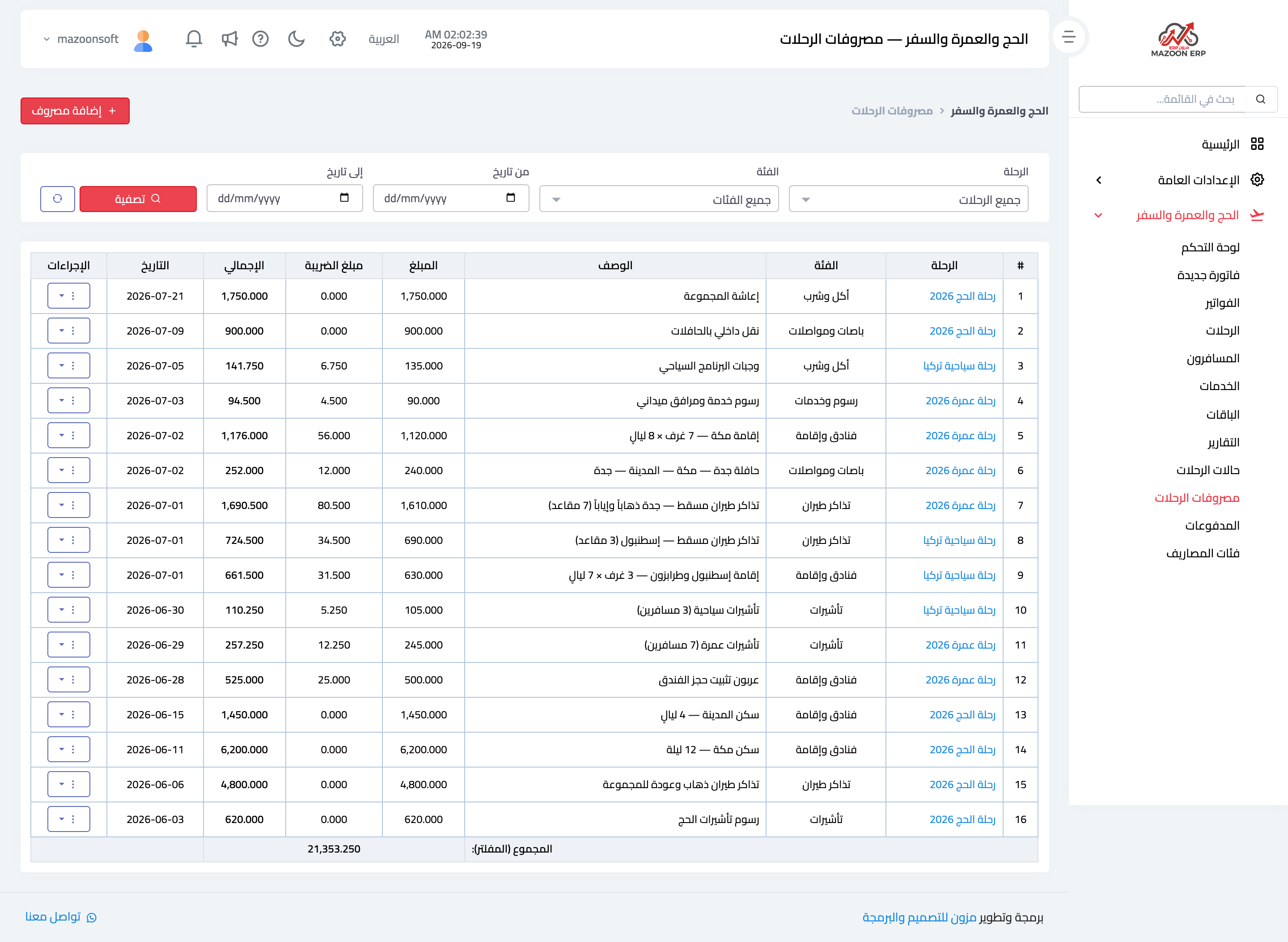
- Open Trip Expenses — Figure 2 — and press the add button — Figure 3.
- Choose the trip, the expense category and the supplier if there is one.
- Enter the description, the amount, the date and the payment method.
- Save, and the expense is posted to accounting and counted against the trip.
Expenses and branches
If your company has branches, pick the Branch that spent the expense, or General — the whole trip for an expense of the whole trip, such as group tickets or the hotel. Only the head office records a general expense, and it counts in the trip's profit, not in any branch's.
If neither the expense nor its category has an accounting account, it is posted to the Operating Expenses account (5.2), so nothing is lost from the books.
Notes
- Record the expense the day you pay it, not after the trip; in Hajj season you will not remember half of it.
- Always tie the expense to the trip; an expense with no trip inflates your imaginary profit.
- General office costs (rent, salaries) belong in accounting, not here.
- Link every expense category to its accounting account; the income statement then shows how much went on flights and how much on hotels.
Screenshots
Try what you just read on your own data
Open a free 7-day trial — no credit card, with your own company link in minutes.