
Stock counts, batches and scrap orders
Three tools keep your balance matching reality: counting compares book with shelf, batches track expiry, and scrap orders remove damaged goods with a clear trail.
Stock counts
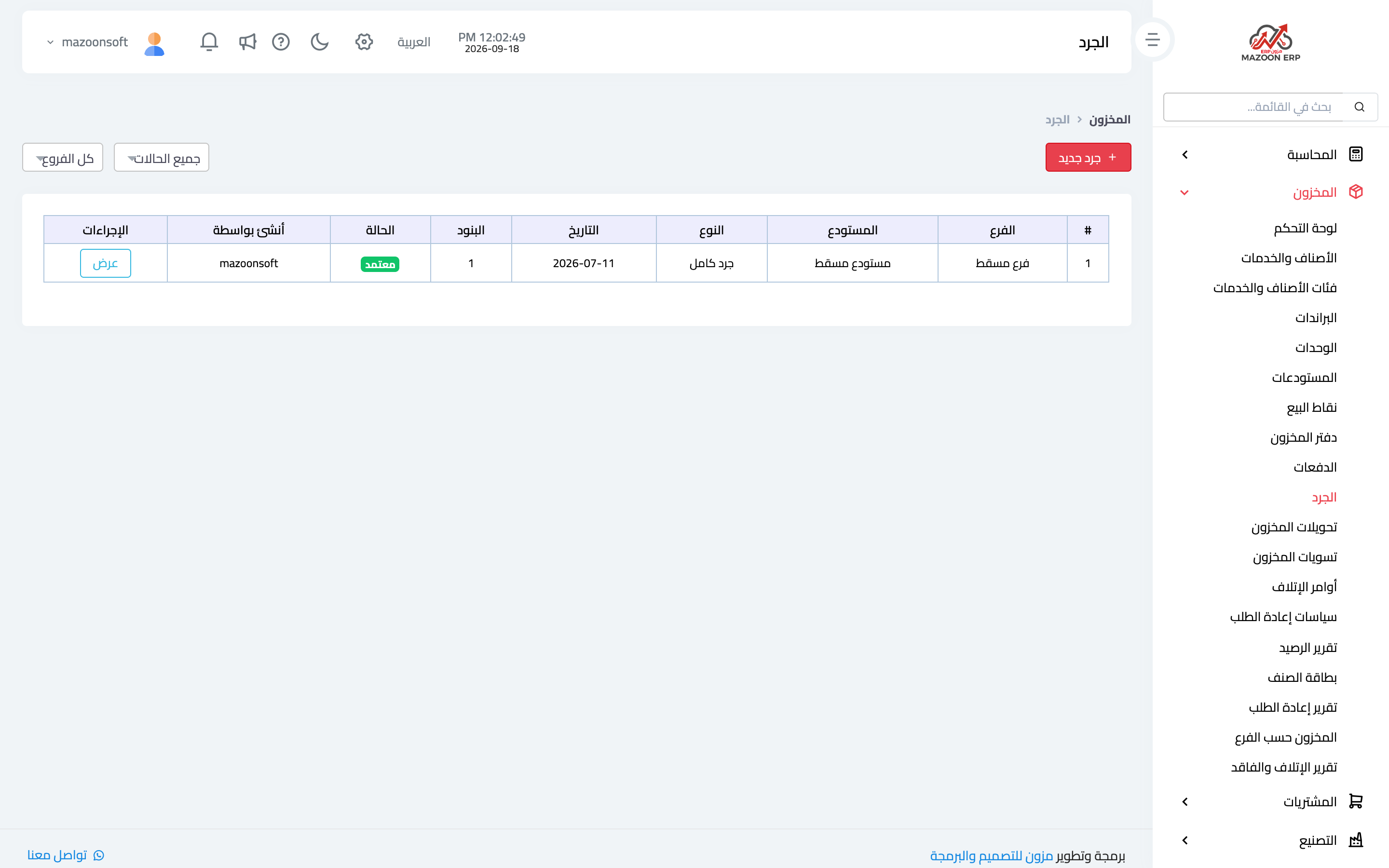
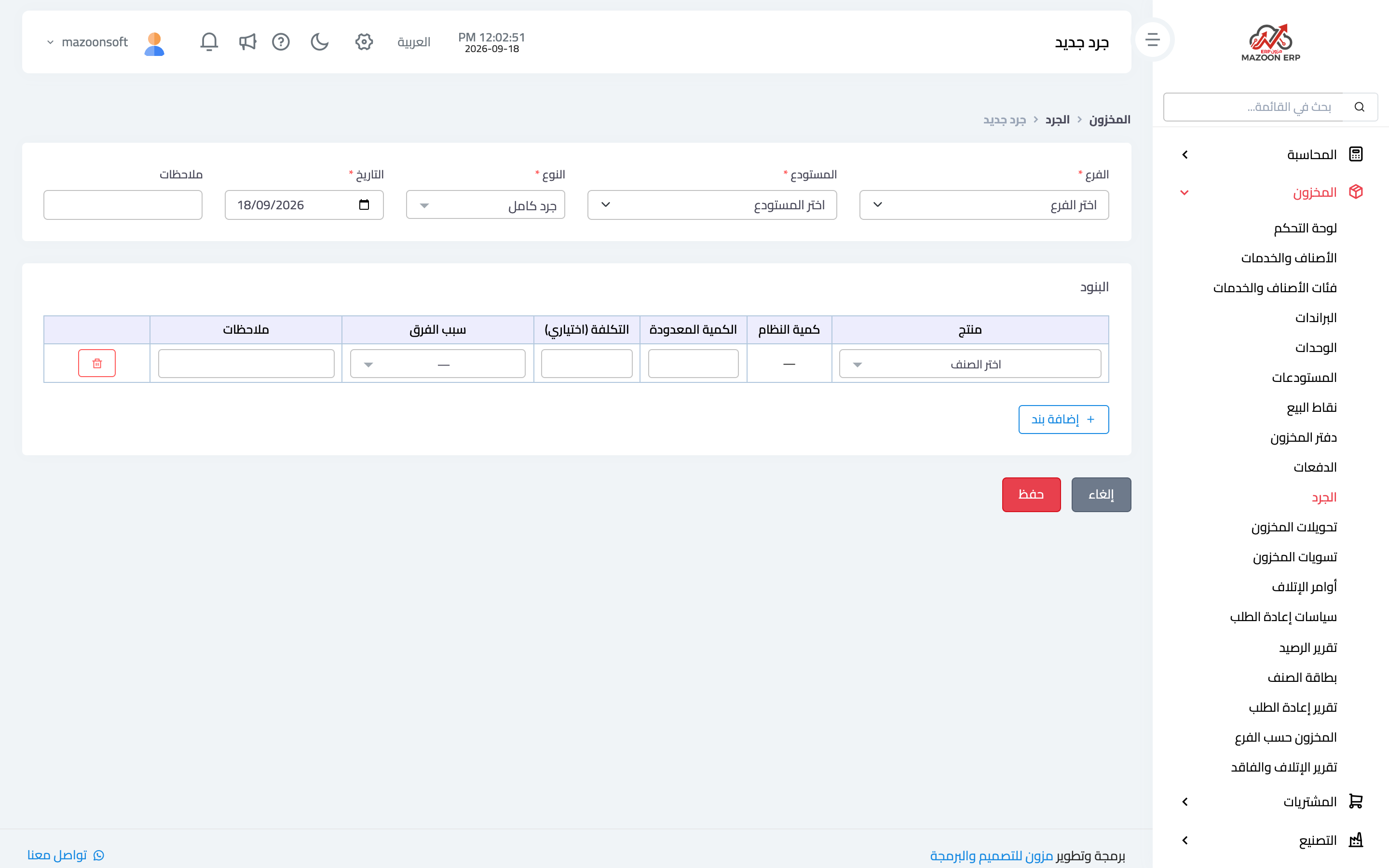
A count is a structured exercise: you count what is actually there, then the system computes the difference against the book balance and corrects it with a recorded movement. From the inventory dashboard open the Stock Counts card — image 1 — then Add count as in image 2: warehouse, date, then the items included and the counted quantities.
On approval, adjustment movements are created automatically for the differences — up or down — so the book balance matches the count while the difference stays visible in the ledger rather than hidden.
Tips for a sound count
- Freeze movement on the warehouse while counting where you can; a sale mid-count creates a phantom difference.
- Count high-value or fast-moving items more often than the rest.
- Review large differences before approving — they usually trace back to an earlier entry error that can be fixed at its document.
- Approve the count, then close the fiscal period; not the other way round.
Batches
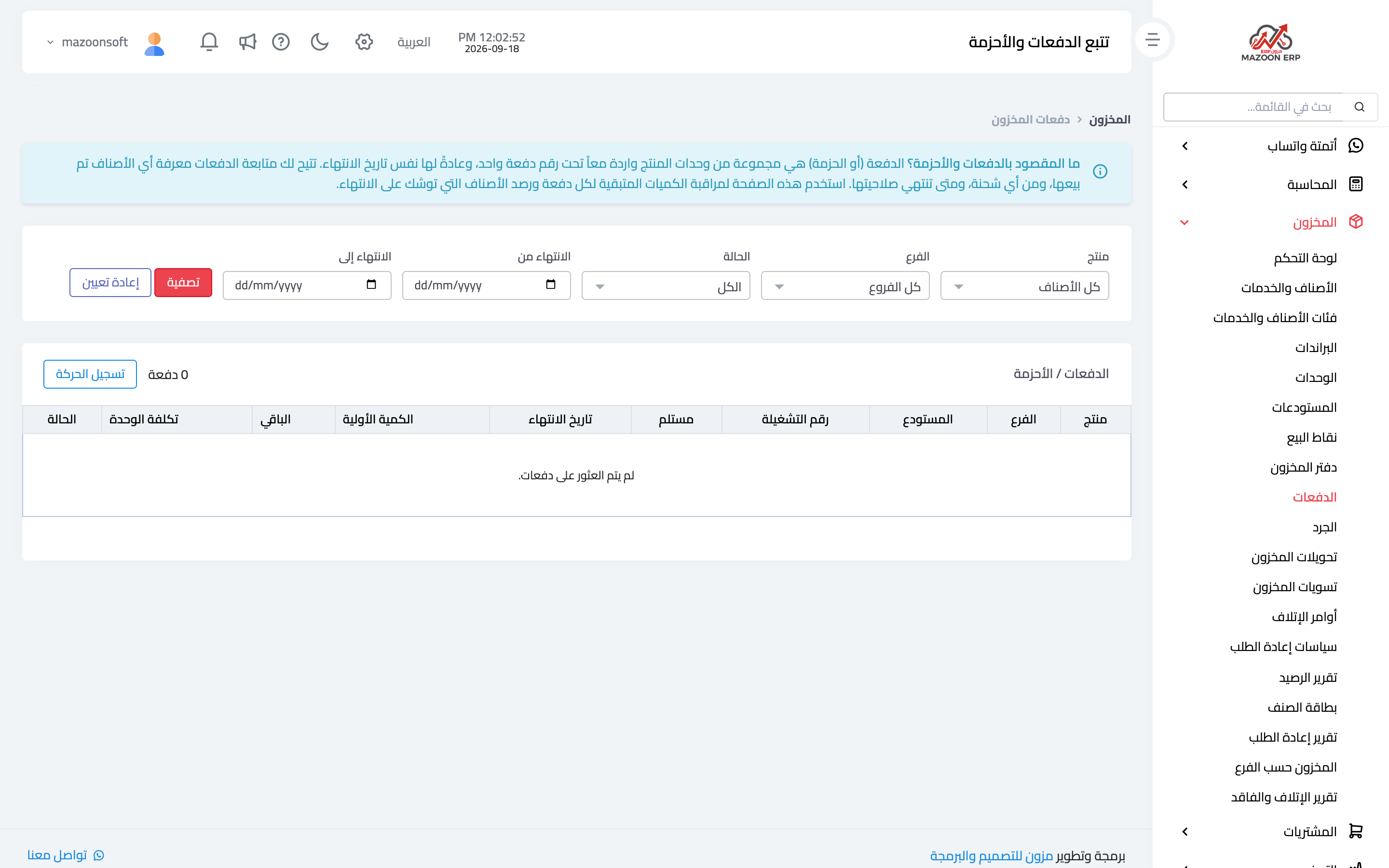
The Batches card — image 3 — tracks items received in batches with expiry dates: batch number, item, warehouse, remaining quantity and expiry date.
The dashboard's "expiring within 30 days" indicator is built on these batches, so you can act early — a discount or a promotion — instead of discovering expiry after the fact.
Scrap orders
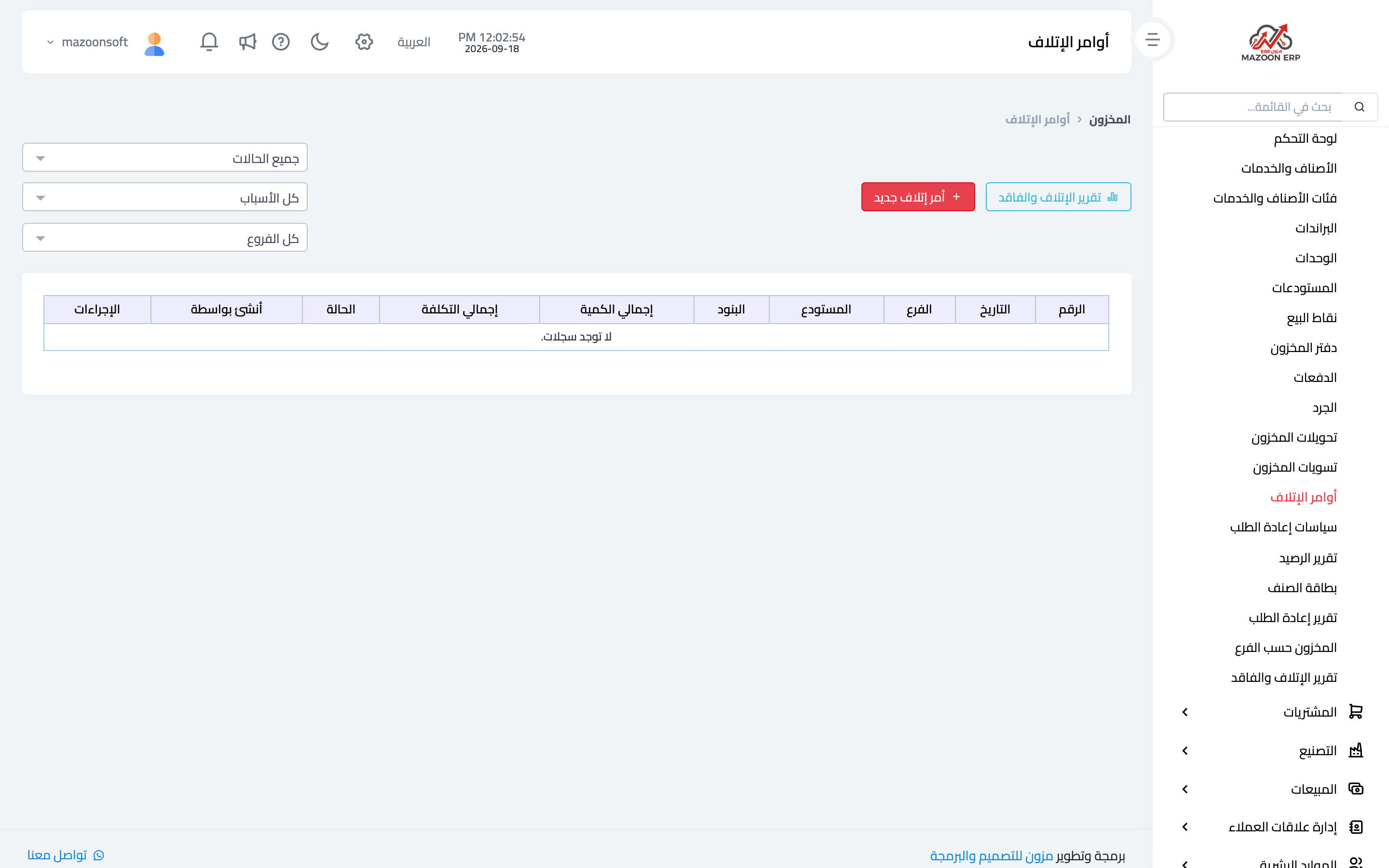
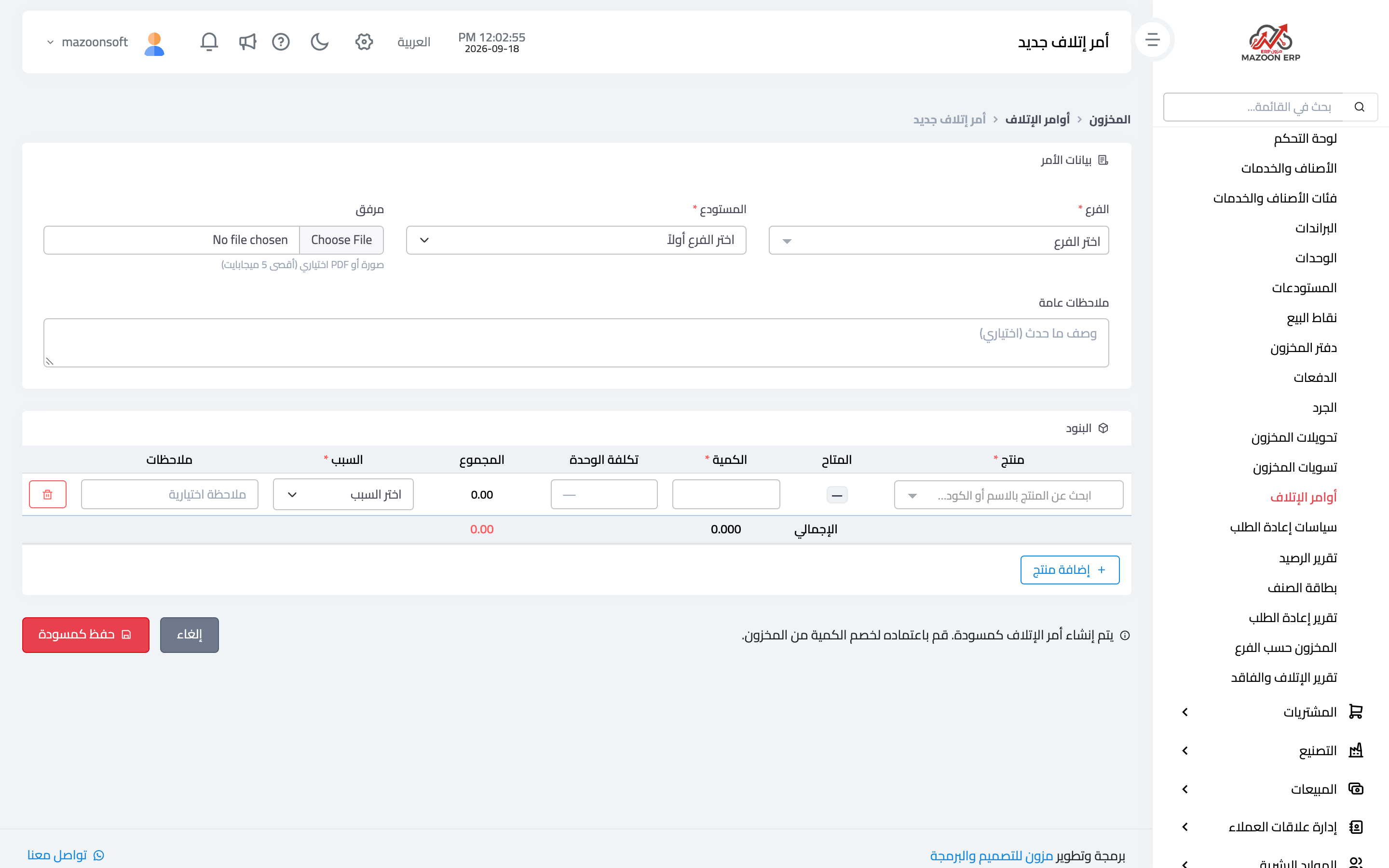
When an item is damaged or expires, do not write it off with a vague adjustment. Use the Scrap Orders card — image 4 — then Add scrap order as in image 5: warehouse, items, quantities and reason.
The order removes the quantities from stock and records their value as a loss, which then appears in the scrap and loss report. Reading that report monthly reveals what scattered adjustments never do: an item scrapped repeatedly points to a problem in buying, storage or pricing.
How the three differ
- A count is a periodic full check that corrects every difference at once.
- An adjustment is a single correction for a difference found outside a count.
- A scrap order is the deliberate removal of goods that lost their value, with its own report.
Screenshots
Try what you just read on your own data
Open a free 7-day trial — no credit card, with your own company link in minutes.