
Internal and external correspondence
Correspondence comes in two kinds: what circulates internally among your staff, and what arrives from or goes out to outside parties. The difference is not cosmetic — external letters carry reference numbers, attachments and parties, while internal ones are closer to organised in-house mail.
Internal correspondence
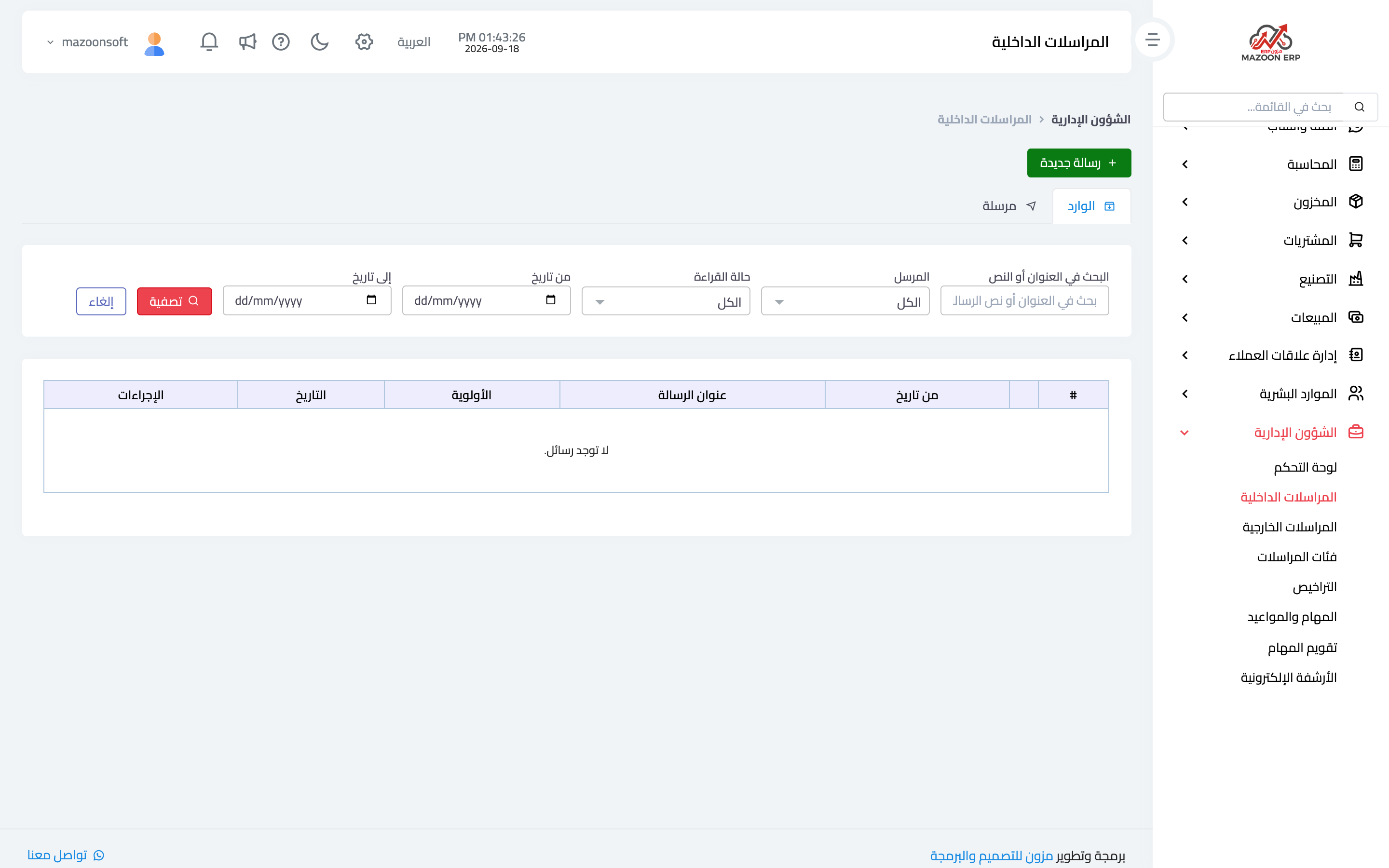
The Internal Correspondence card — image 1 — holds messages between users inside the system: a circular, a request, a reply, with read and unread clearly marked.
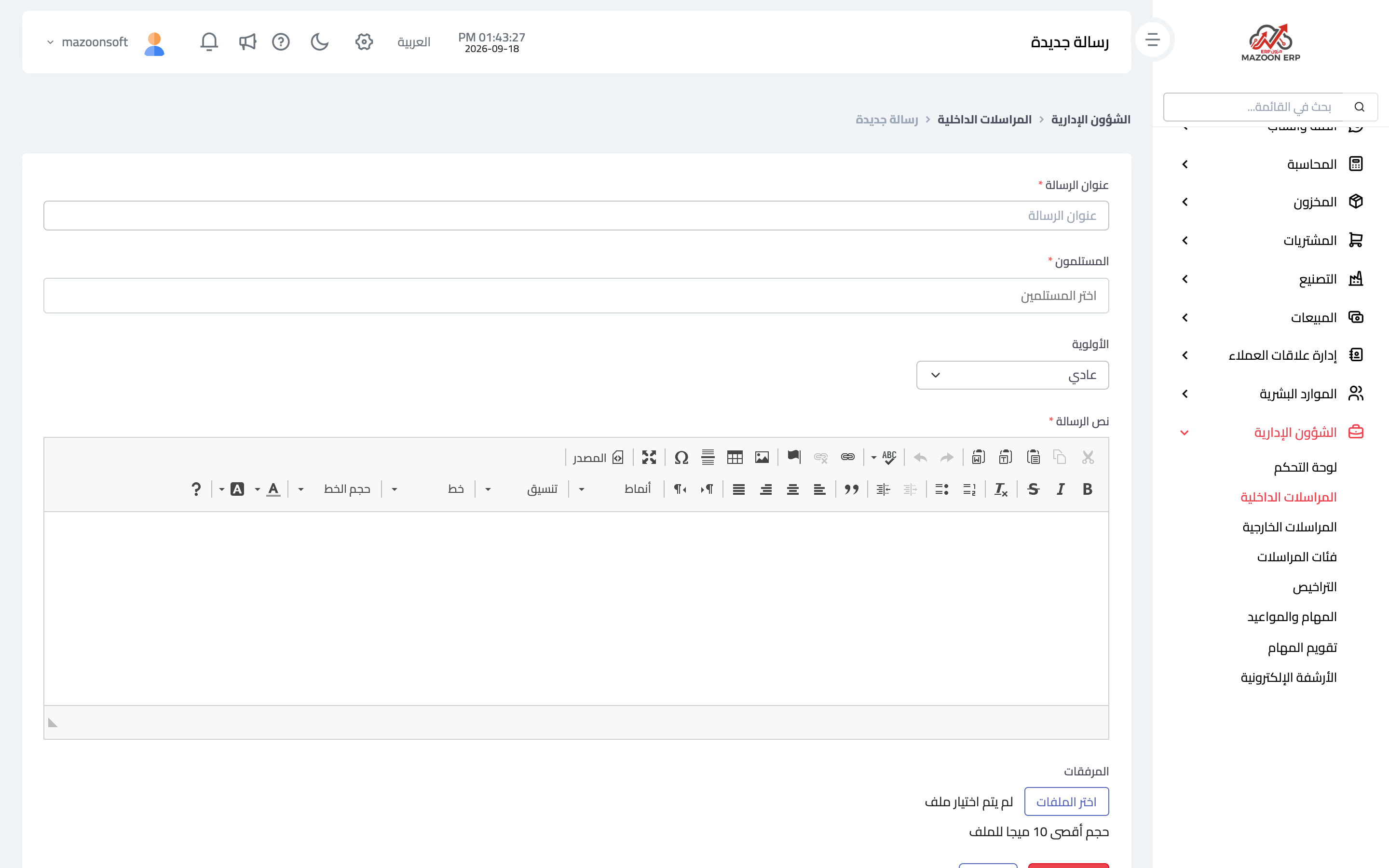
To write one press Add as in image 2: recipient or recipients, subject, body, and attachments if any.
Its practical value is that a circular stays documented in the system rather than in a chat group where decisions evaporate, and the unread count appears on the module dashboard.
External correspondence
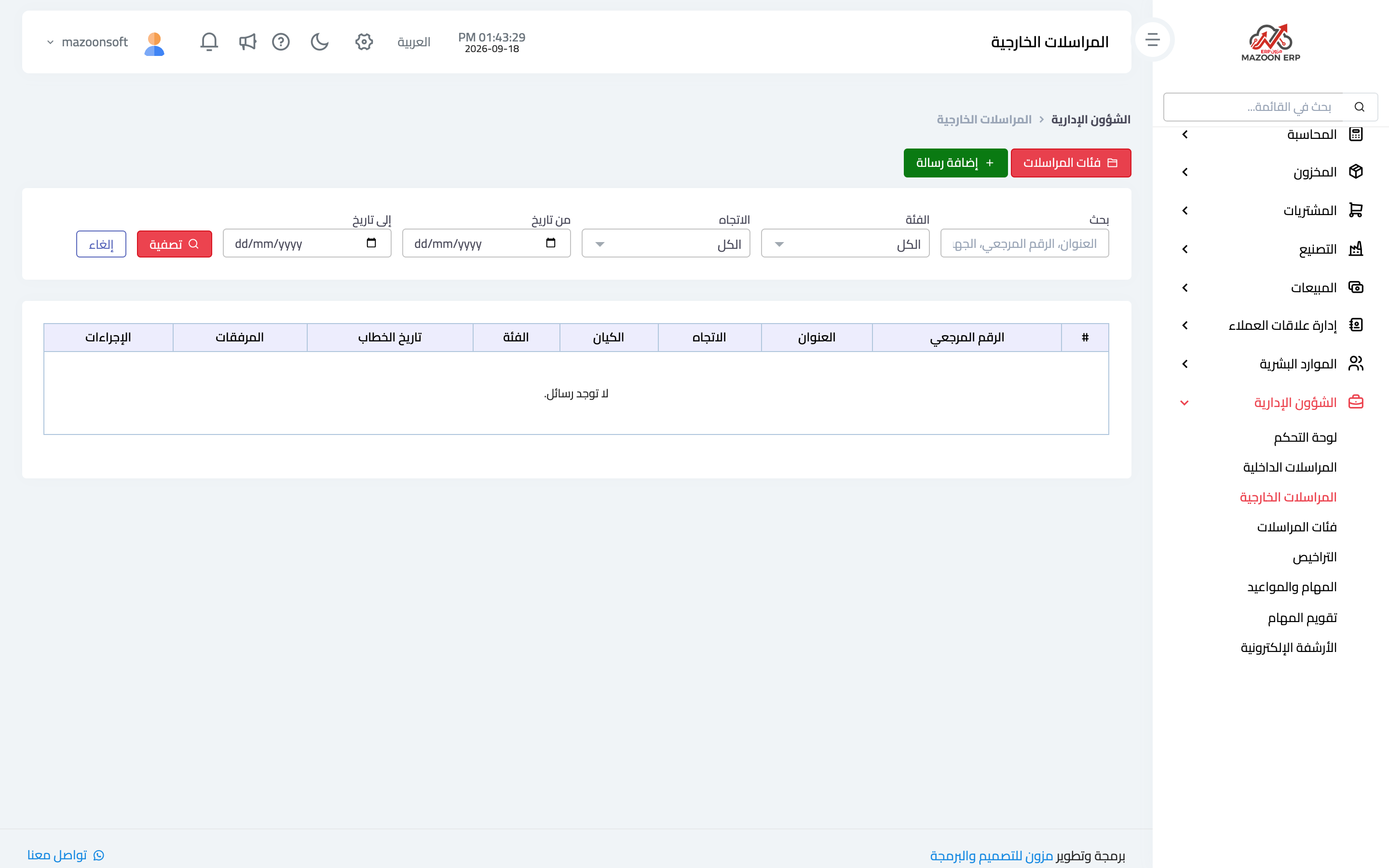
The External Correspondence card — image 3 — records letters received from and sent to outside parties: the party, date, subject, incoming or outgoing reference number, category and attachment.
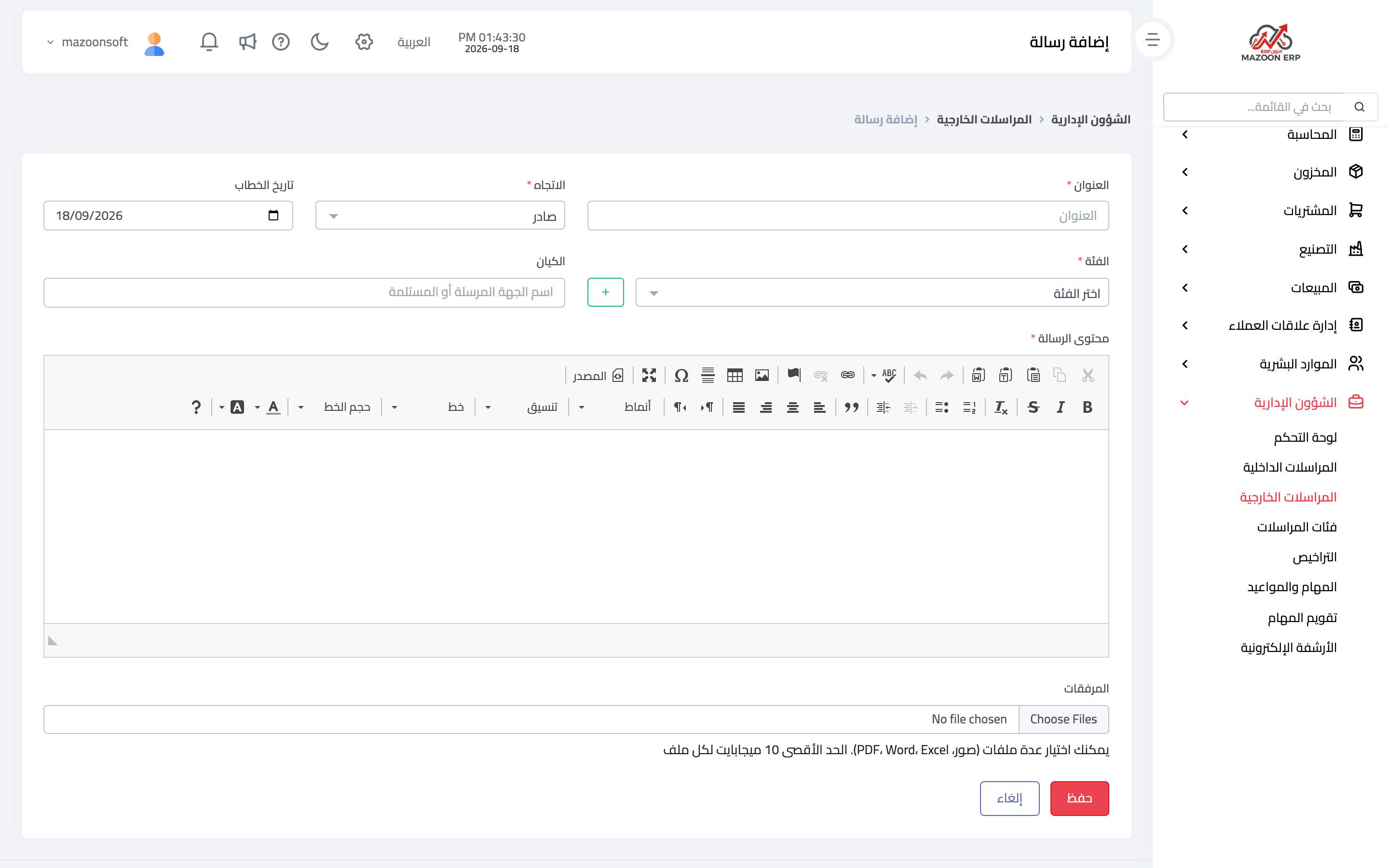
To record a letter press Add as in image 4, and upload a scan or file of it alongside the details.
Why this discipline pays
- An official letter is a document that may be requested years later; having it archived with its number and date saves a long search.
- The in/out indicator on the dashboard gives a quick sense of correspondence volume.
- Link to tasks: an incoming letter that needs a reply ⟵ create a task for it with an owner and a due date.
Correspondence categories
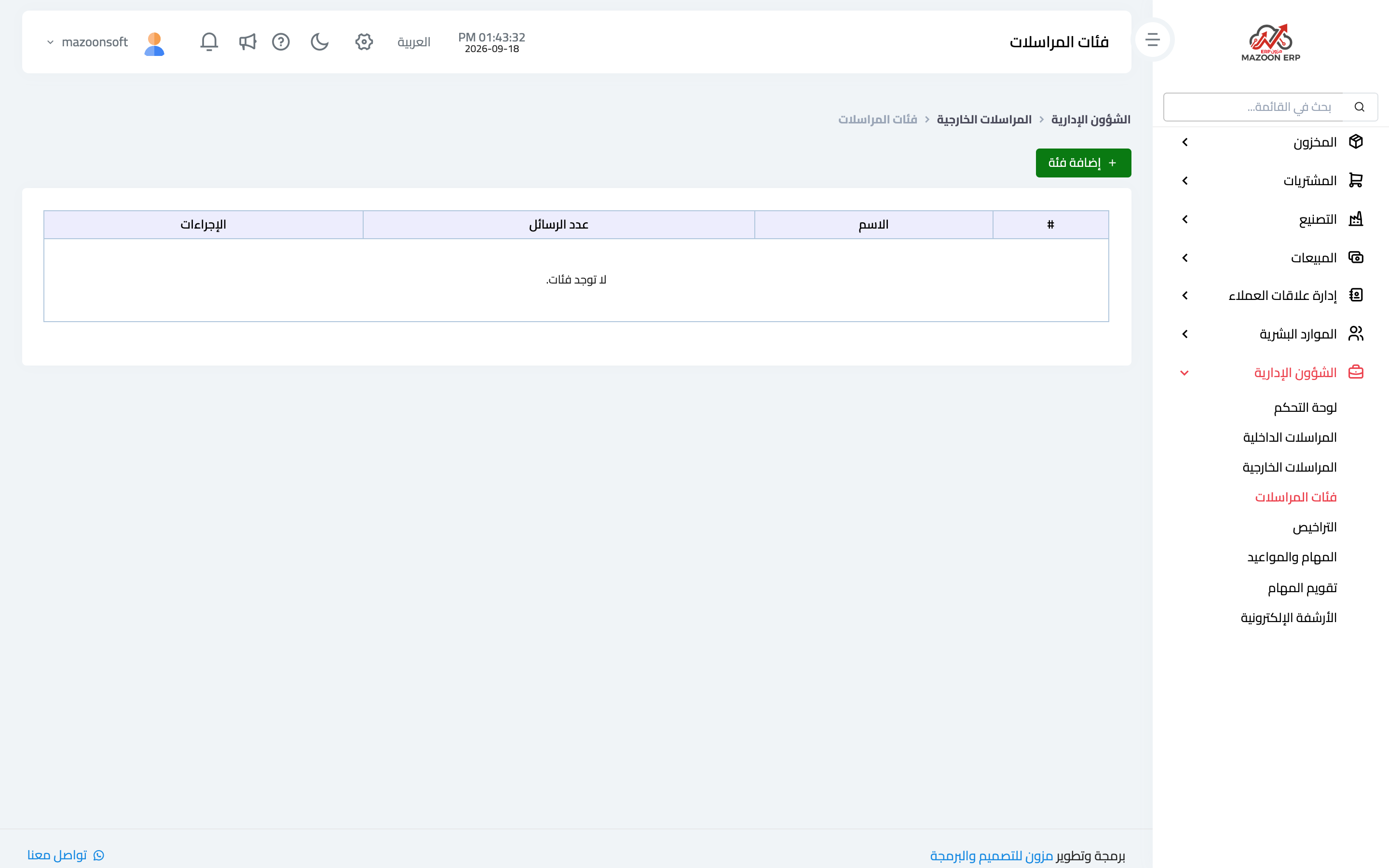
The Categories card — image 5 — classifies letters: government bodies, banks, customers, suppliers, complaints… Classification is what makes later searching possible instead of scrolling through everything.
Start with a few clear categories and add one only when a kind of letter genuinely recurs.
A practical routine
- Define the categories first.
- Record every incoming letter the day it arrives, with its number and attachment.
- Create a task for each letter that needs a reply or action.
- Record outgoing letters right after sending, with their reference numbers.
Screenshots
Try what you just read on your own data
Open a free 7-day trial — no credit card, with your own company link in minutes.