
Opportunities, pipeline stages and activities
An opportunity is a potential deal with a value and an expected close date. Where a lead says "there is interest", an opportunity says "this deal is worth X and we expect it to close in Y" — which is what makes sales forecasting possible.
Pipeline stages
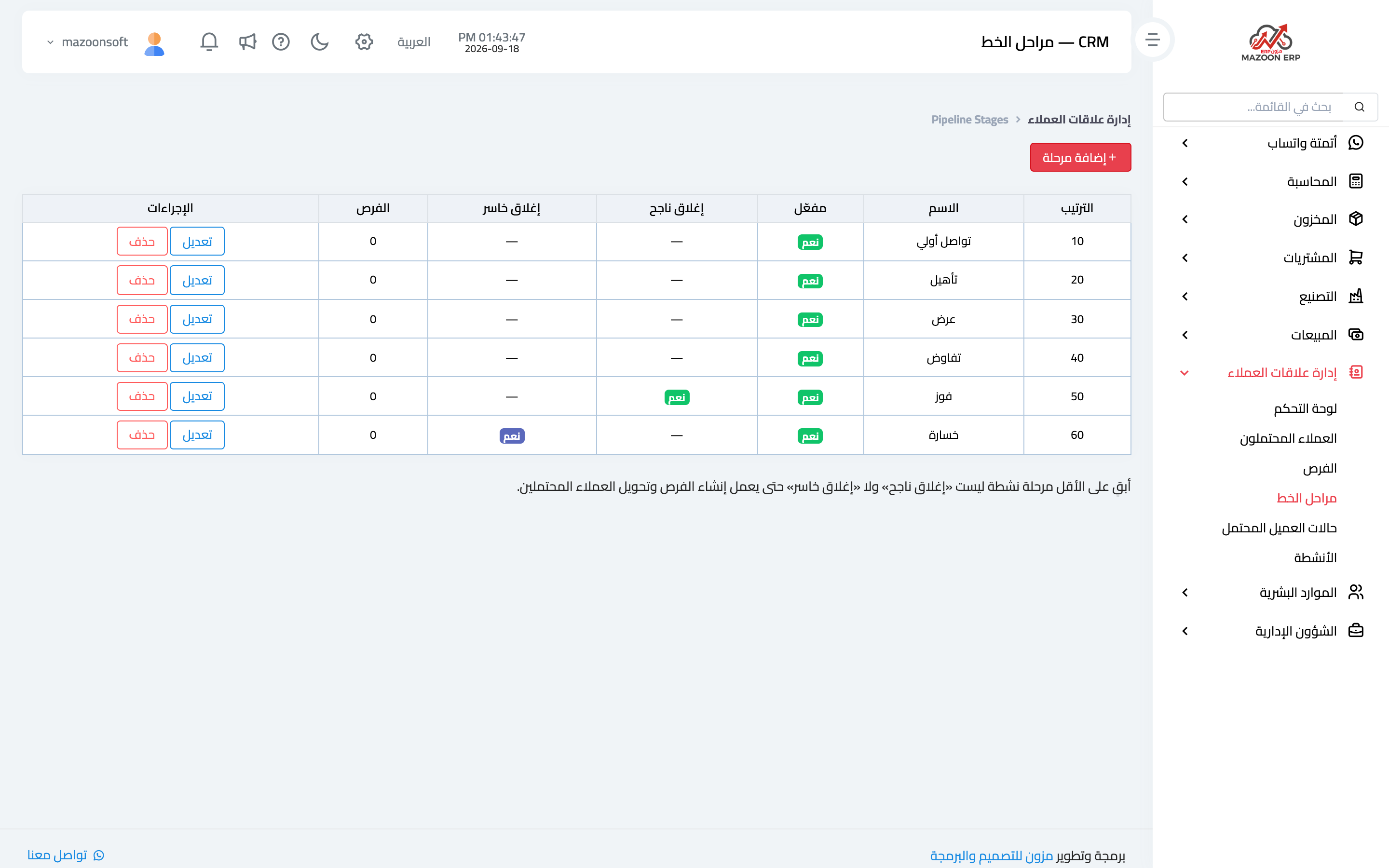
Start from the Pipeline Stages card — image 1 — and define the stages your deals actually pass through: first contact, quotation, negotiation, awaiting approval, closing.
Define stages that describe your reality rather than an ideal model. If all your deals pass through three stages, do not invent seven — unused stages make the reports misleading.
Opportunities
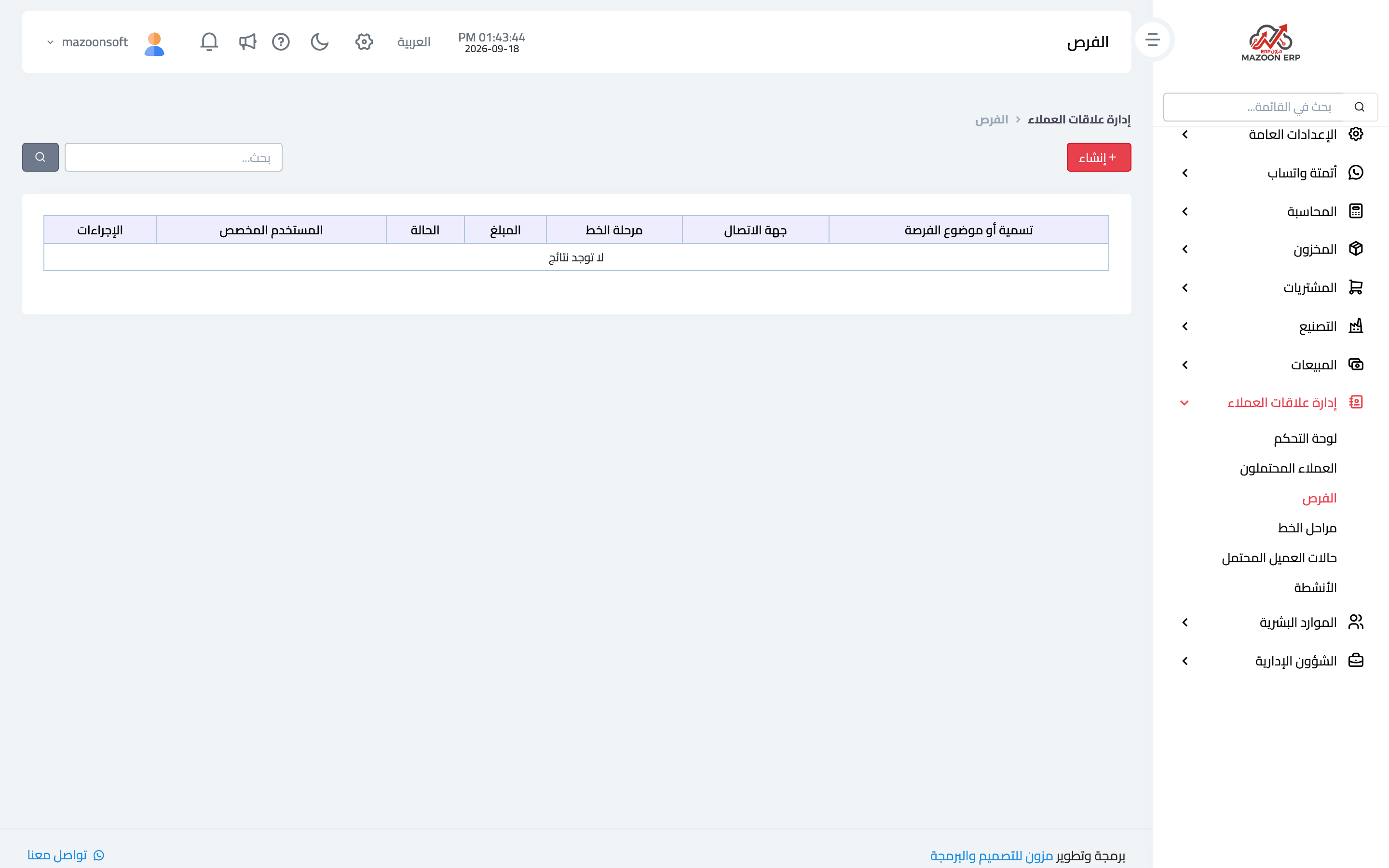
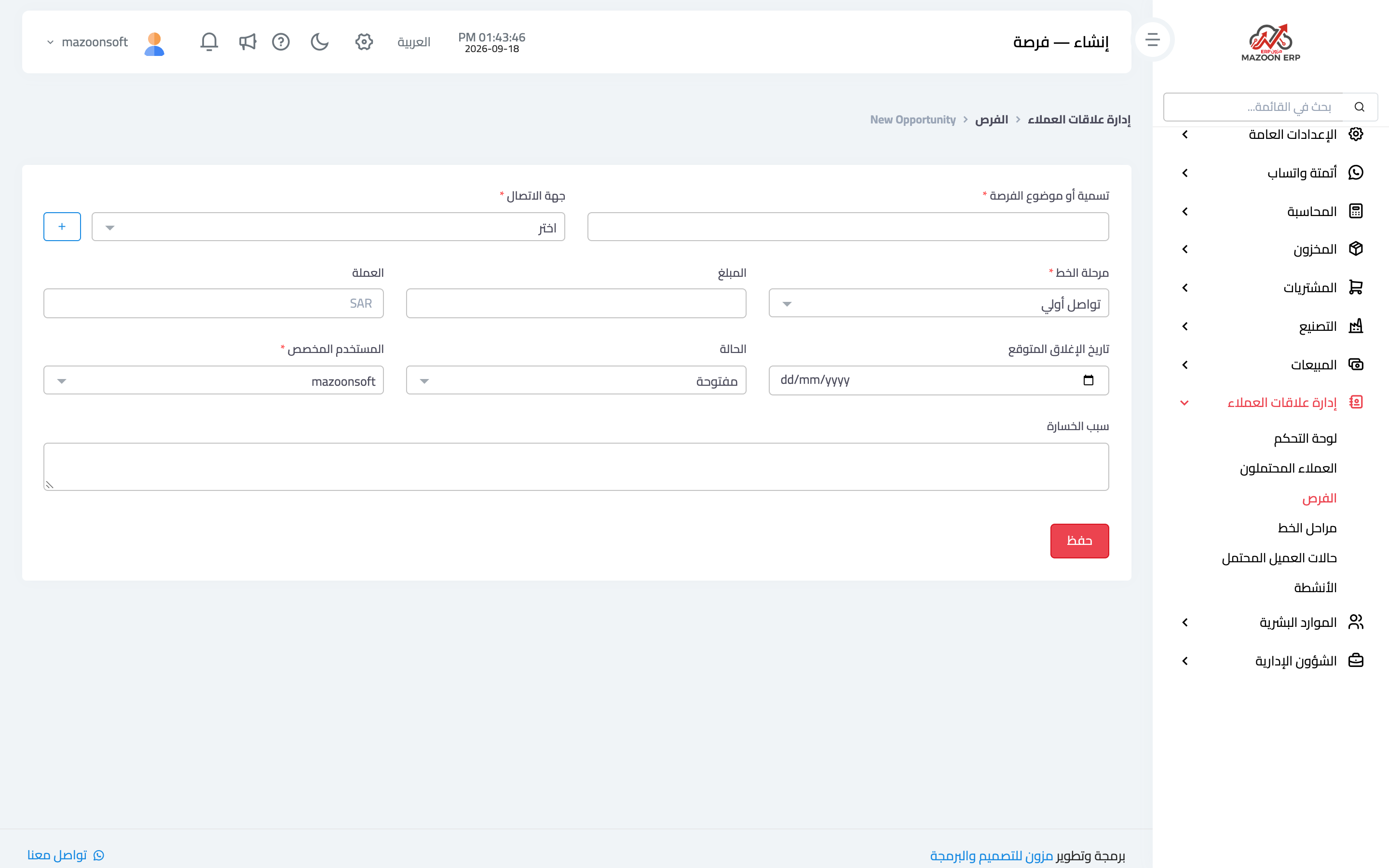
The Opportunities card — image 2 — lists open deals with their stages and values. To add one press New as in image 3:
- Opportunity title — the deal in a few words.
- Contact — the customer behind it.
- Amount and currency — the expected value.
- Pipeline stage — where the deal stands now.
- Expected close date — what makes forecasting possible; do not leave it empty.
- Assigned user.
- Link a quotation — tie the opportunity to the quotation issued from Sales or Accounting, so document and deal stay connected.
Won and lost
Every opportunity ends: won or lost, with a lost reason. That reason is the most neglected and most valuable field: after twenty lost deals, the recurring reason tells you where the problem is — price, lead time, or one particular competitor.
Activities
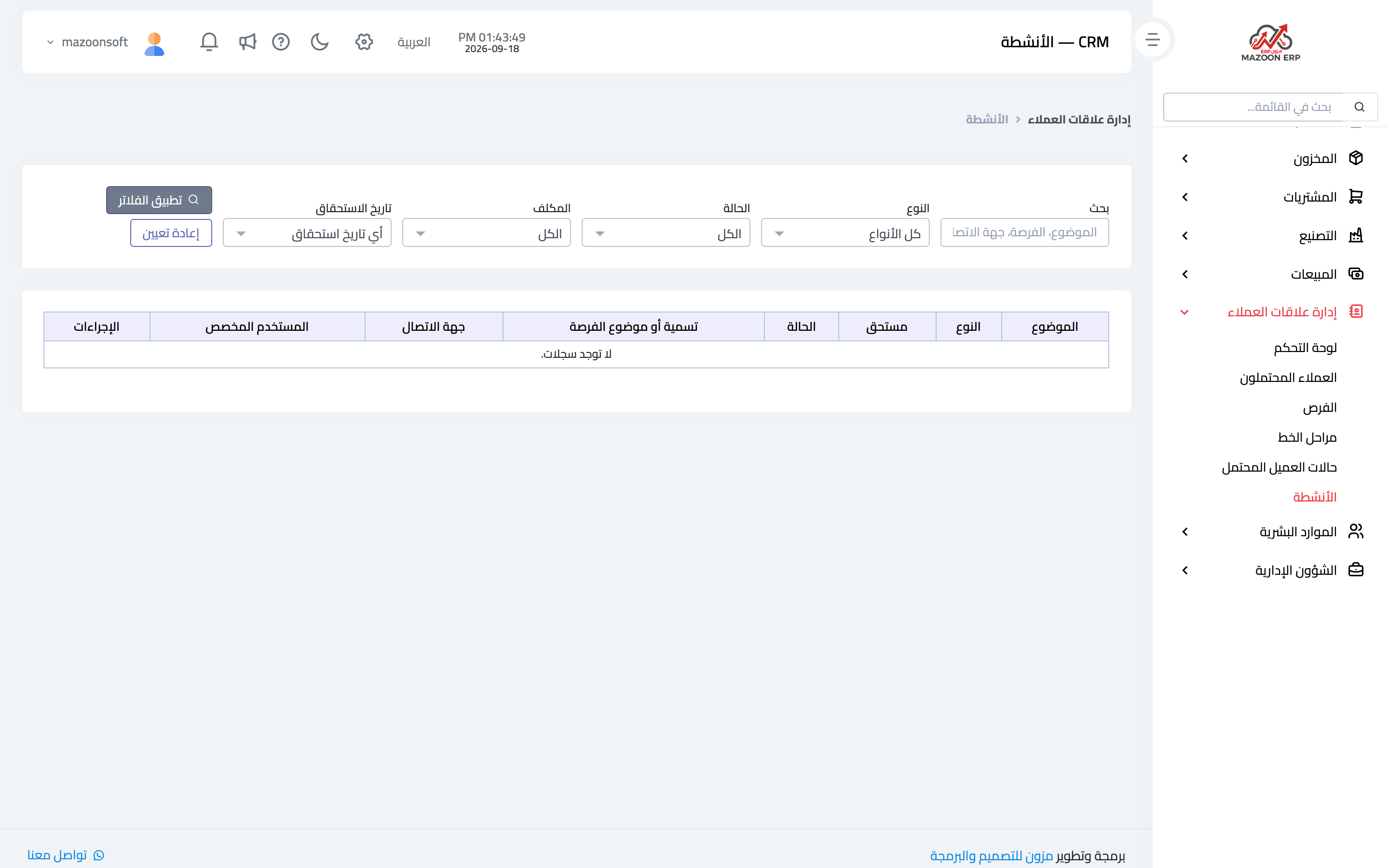
The Activities card — image 4 — records what happened and what is next with a customer: a call, a visit, a meeting, a follow-up message, with its date and owner.
The activities due within 7 days indicator on the dashboard is a salesperson's worklist for the week. The simple rule: never close an activity without setting the next one — otherwise the deal quietly drops out of memory.
The full cycle
- An enquiry arrives ⟵ record it as a lead with its source and owner.
- You make contact ⟵ record an activity and set the follow-up date.
- Interest is serious and has a value ⟵ create an opportunity with its stage and expected close date.
- You send a quotation ⟵ link it to the opportunity and move it to the quotation stage.
- The customer agrees ⟵ mark the opportunity won and convert the quotation into an invoice in Sales.
- They decline ⟵ mark it lost, with the reason.
Screenshots
Try what you just read on your own data
Open a free 7-day trial — no credit card, with your own company link in minutes.